Login Screen
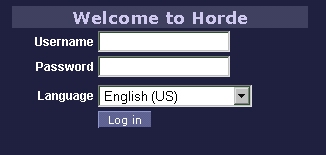
The login screen. You may login here, or download your email to your favorite program such as Outlook or Eudora.
|
Message List
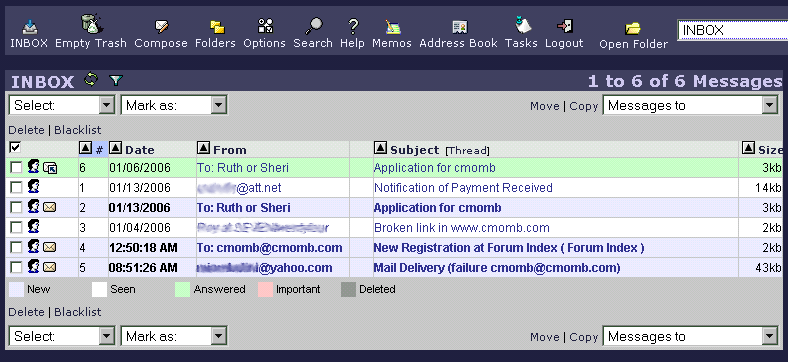
This is the Inbox folder. Messages are assigned different colors to help with quick reference.
|
|
Options
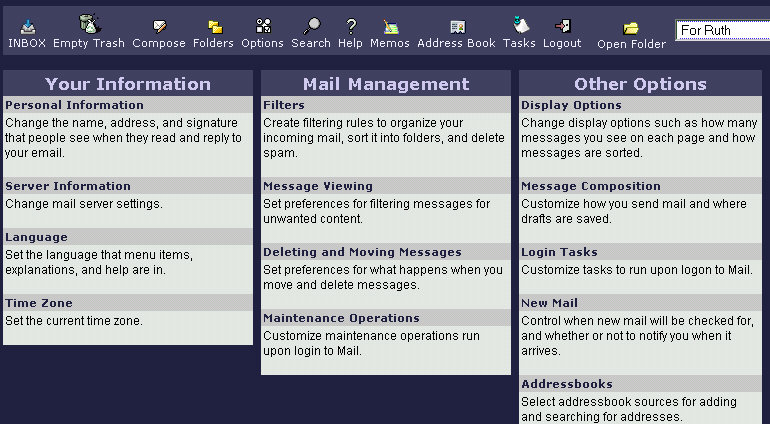
There are three main configuration sections with subconfiguration to personalize your email experience.
|
Display Options
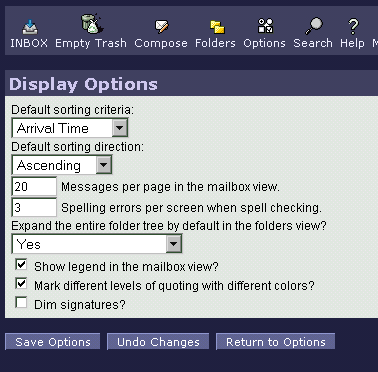
Here is one of the options sections, the display options. This is where the look and feel an be changed by the user.
|
|
Compose
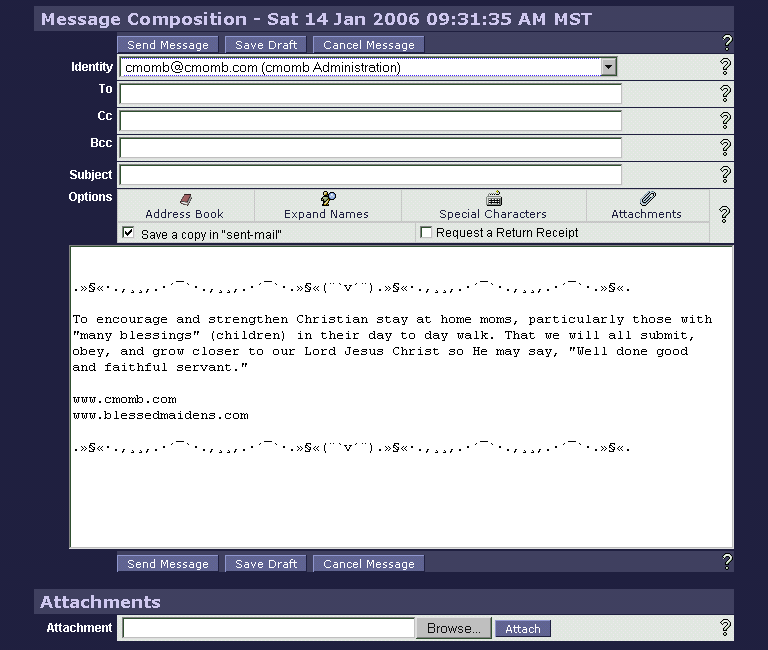
Composing is easy with features such as attachments, choosing identities/signatures and address book.
|
Address Book
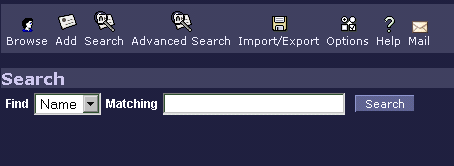
The address book is handy for quick fill-in when composing.
|
Memos
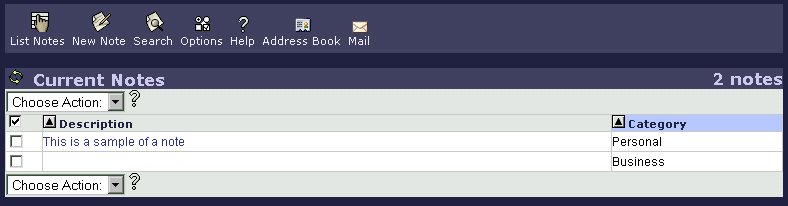
Our email allows for notes to be kept for those things you just don't want to forget.
|
"Tasks" Reminders
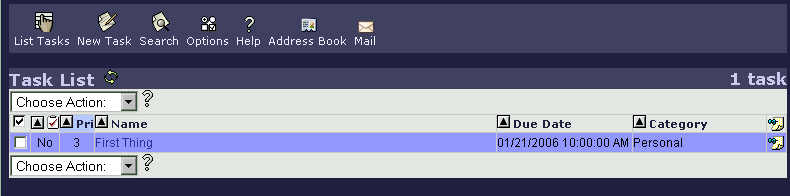
Be reminded of tasks that need to be done by noting them for reminders in the "task" section.
|